Review every frame
Step through decoded frame timing, loop any phase, and compare swings.
A closer look. From Greenskeeper.
Review your golf swing video frame by frame, draw lines and angles, compare two swings, and export your annotations. Free in your browser, with no account needed.

Built for honest improvement
Step through decoded frame timing, loop any phase, and compare swings.
Draw planes, angles, paths, and references that stay aligned with video.
Align two local videos, work side by side or overlaid, and choose whether each mark belongs on A, B, or both.
A better clip starts here
Face-on or down the line, a few small choices make analysis dramatically clearer.
Open the full recording guideKeep the golfer, ball, and entire club visible.
Use a tripod at hand height and avoid ultra-wide lenses.
60 FPS works well; 120–240 FPS is best around impact.
Videos never leave your browser. Playback, drawings, comparison, browser saves, screenshots, and video exports all run locally.
Before your next practice session
Open a video from your device, find a frame you want to review, and draw your own reference lines or angles. Add a second video for side-by-side or overlay comparison. Export a screenshot or annotated video to review with your coach.
Yes. Manual video review, drawing, comparison, and exports are free. There is no account required. You can try the golf swing demo before opening your own video.
No. You choose the frames and place the marks. Swingalysis does not score your technique, measure club speed, or infer ball flight. Read about the limits of 2D golf swing analysis before interpreting angles.
Use a steady camera and consistent framing, with the golfer and entire club visible. Record face-on or down the line and keep the same angle between clips. Our golf swing recording guide walks through camera placement and lighting.
No. Your video opens locally in your browser. Keep the original clips if you save a project, because project files contain drawings and settings rather than a copy of the video.
For the places the game takes you
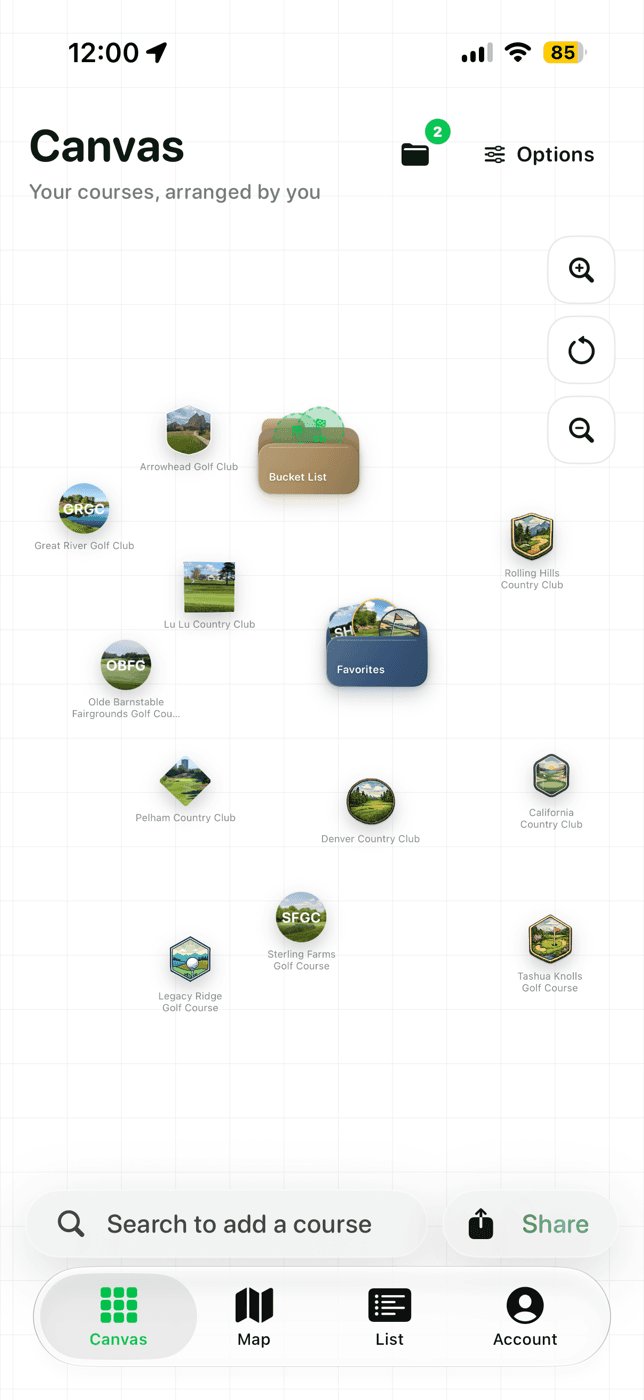
The first round on a buddies trip. The course you play every Friday. The one you still dream about. Keep your played courses, favorites, and bucket list together in Greenskeeper.
Free on iPhone. Greenskeeper+ optional.